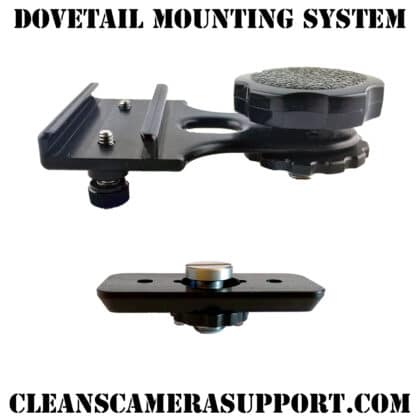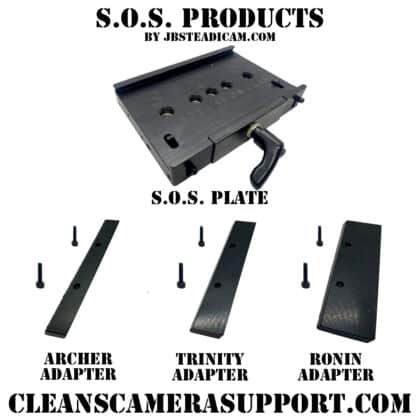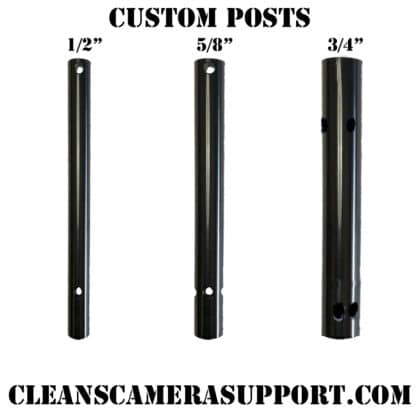
Transvideo Bracket, a USA-machined cheeseplate for the Transvideo CineMonitor, so you can finally put the top of that monitor to work. free shipping.
Just in time for Transvideo to go out of business, we made a cheeseplate for the CineMonitor.
If you’ve been running a Transvideo CineMonitor on your Steadicam rig, you already know the problem: great monitor, zero mounting options on top. No way to add a quick release, no way to hang a second monitor, no way to run Nator rails without rigging something sketchy. The Transvideo Bracket is a clean, solid solution, a USA-machined cheeseplate that mounts directly to the Transvideo CineMonitor and gives you a proper accessory platform right on top of it.
Now you can build on the monitor the way you build on anything else in yer kit.
What you get with the Transvideo Bracket:
Three ¼″-20 holes and three ⅜″-16 holes, plus Arri guide pin holes, all machined into a solid aluminum plate that sits on top of the CineMonitor. The hole pattern gives you genuine flexibility: ¼″ for lighter accessories and standard mounting points, ⅜″ for heavier stuff, and the Arri guide pins keep everything locked and repeatable when you need zero-slop positioning.
What can you do with it? Quick releases, Nato rails, a second monitor if that’s yer kind of gig, a wireless receiver, a small transmitter, anything that mounts via ¼″-20 or ⅜″-16 is now on the table. The CineMonitor goes from a dead-end panel to a fully modular mounting surface.
Why the Transvideo Bracket exists:
Transvideo made a great Steadicam monitor. Operators have been running CineMonitors for years and a lot of them are still in active kits, the monitor works, the image is solid, and there’s no reason to pull it out of the rig just because the manufacturer is no longer around. The problem was always the top surface: flat, featureless, nothing to attach to.
This bracket is the aftermarket solution that should have existed from day one. You’re not junking a monitor that still works perfectly, you’re finally getting the accessory real estate you always needed.
Frequently Asked Questions about the Transvideo Bracket:
Which monitor does this fit?
The Transvideo CineMonitor. It mounts directly to the monitor body, not to the Steadicam rig itself. The bracket sits on top of the monitor and gives you a mounting surface for accessories.
What thread sizes does it have?
Three ¼″-20 holes and three ⅜″-16 holes, plus Arri guide pin holes for repeatable, zero-slop positioning of Arri-compatible accessories.
Does this mount to my Steadicam rig?
No, this mounts to the CineMonitor itself. It adds a cheeseplate surface on top of the monitor so you can attach accessories there. Your existing monitor mount on the rig stays as-is.
What accessories can I mount to it?
Anything with a ¼″-20 or ⅜″-16 thread, quick releases, Nator rails, second monitors, wireless receivers, small transmitters. If it’s got a standard thread, it goes on this plate.
Is it covered by the lifetime repair policy?
Yes. USA-machined, send it back any time, fixed at a modest price no matter the age.
What’s the lead time?
Currently 5 in stock. If it goes to backorder, allow 1–3 weeks. Check the pre-order banner at the top of the site for the current shipping window.
Also in the Steadicam lineup:
- Moses Dock Kit, complete docking solution for your rig. ($205)
- Dovetail Mount 90°, for mounting accessories at a right angle off yer rig. ($325)
- Moses Fork, extend and configure your Steadicam build. ($92.50–$385)
Dig Deeper
check out my blogs: The 2nd AC Kit List & How to Build a Camera Cart for more information that goes beyond the gear specs.
Links for the Transvideo Bracket:
- Transvideo (I think its already dead)
- Tiffen
- GPI Pro Systems
- Steadimoves (Jerry Hill)
Terms for the Transvideo Bracket:
“Available on backorder” items will be available in 1-3 weeks. See “Contact” for more details.
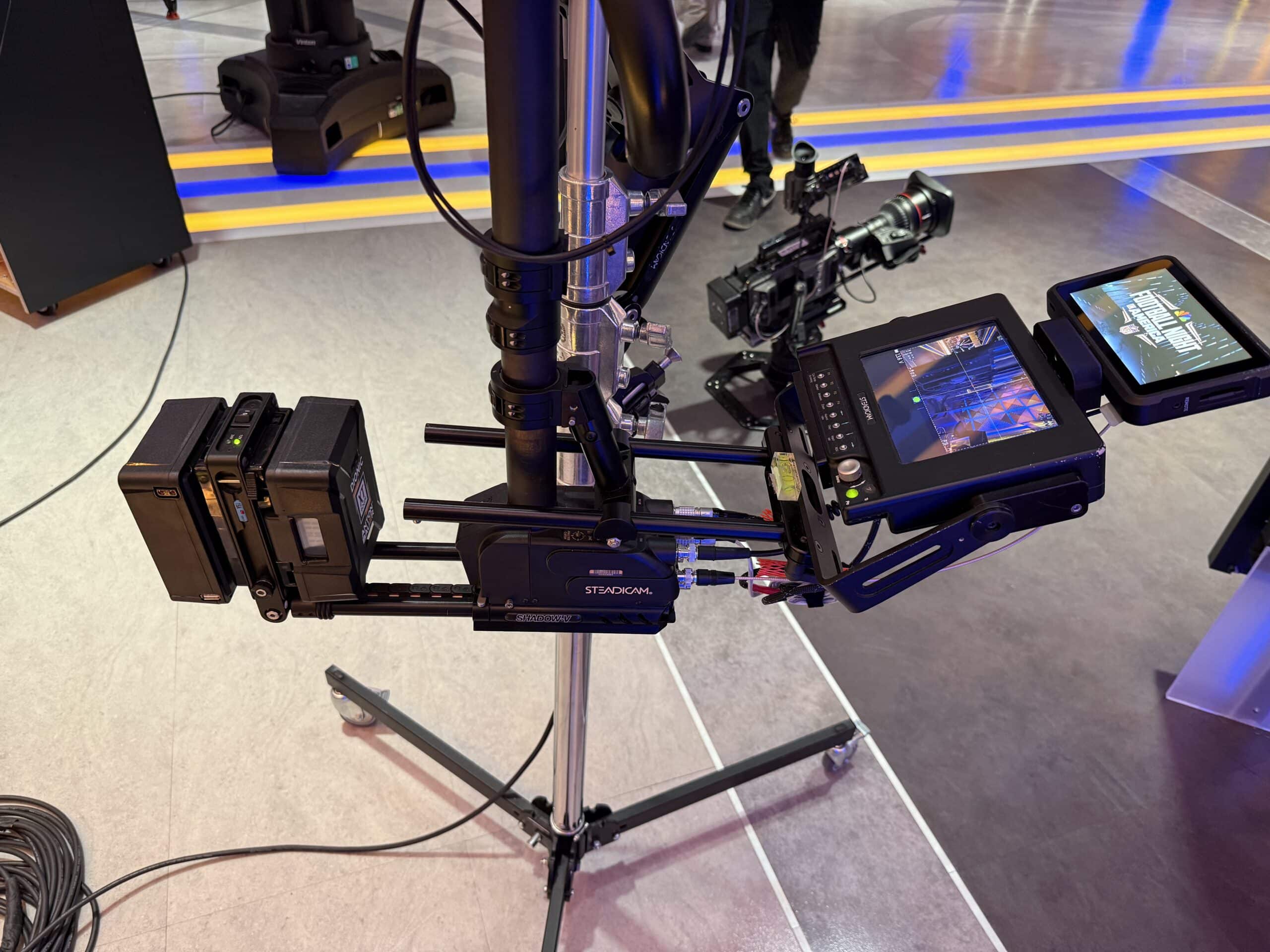
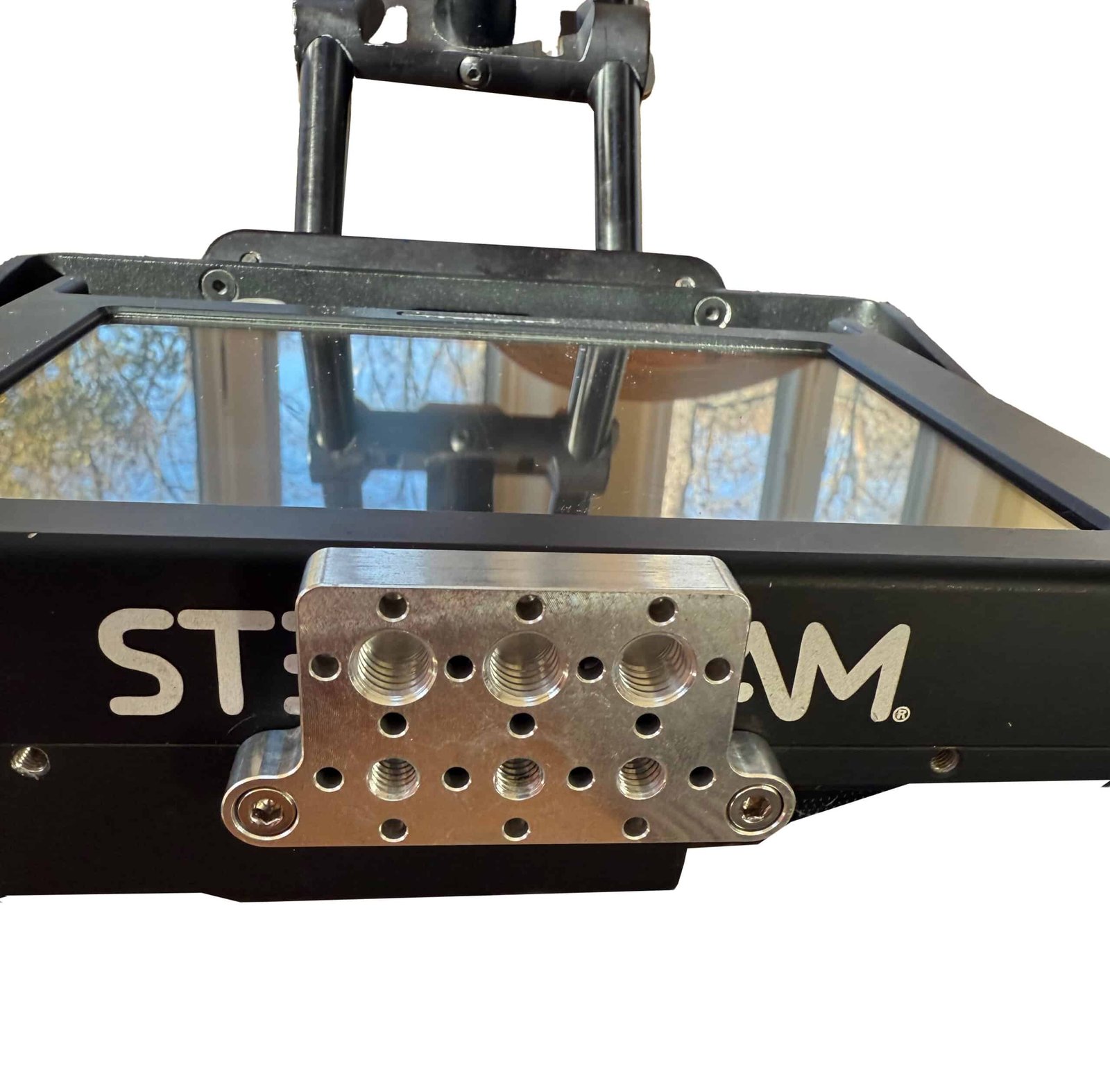
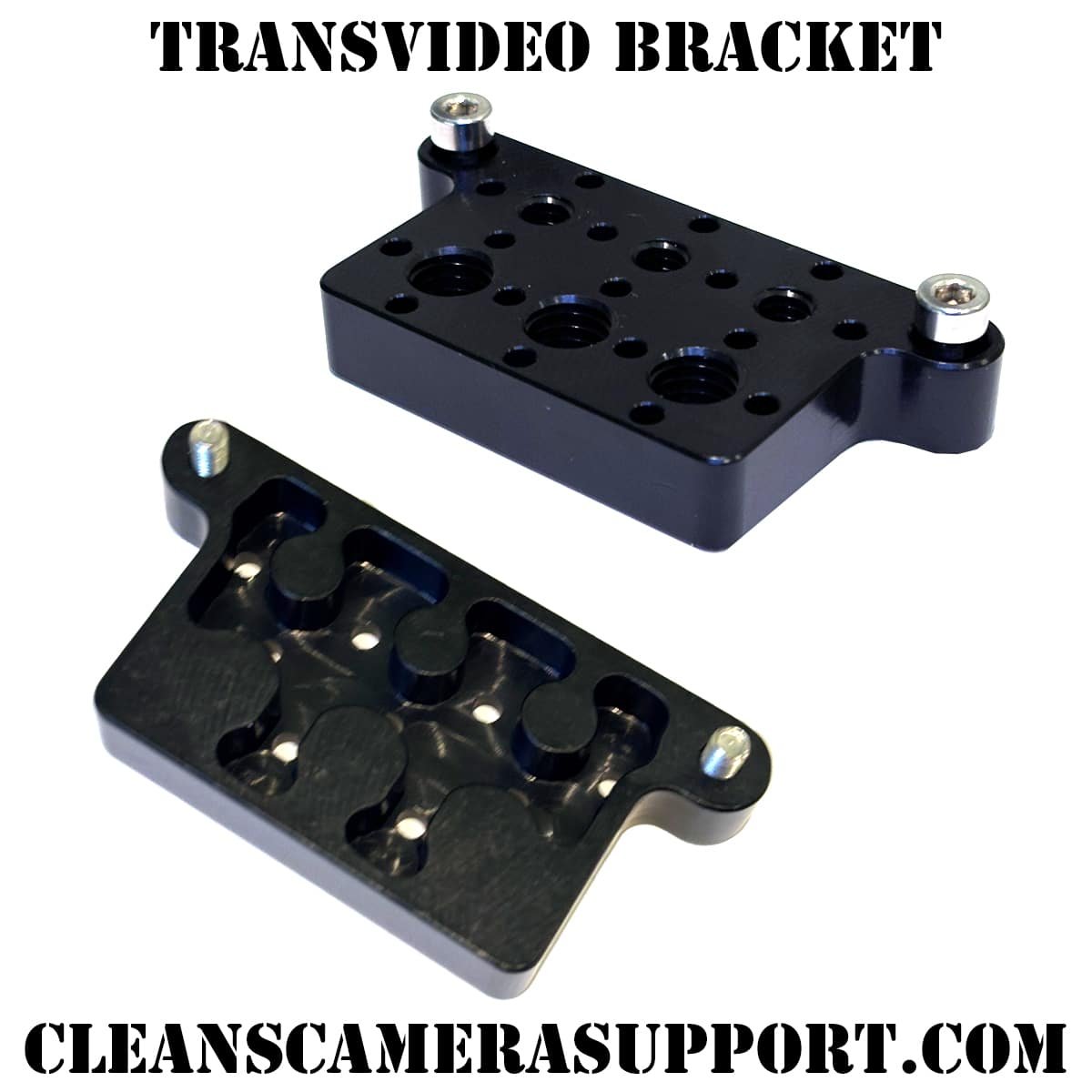
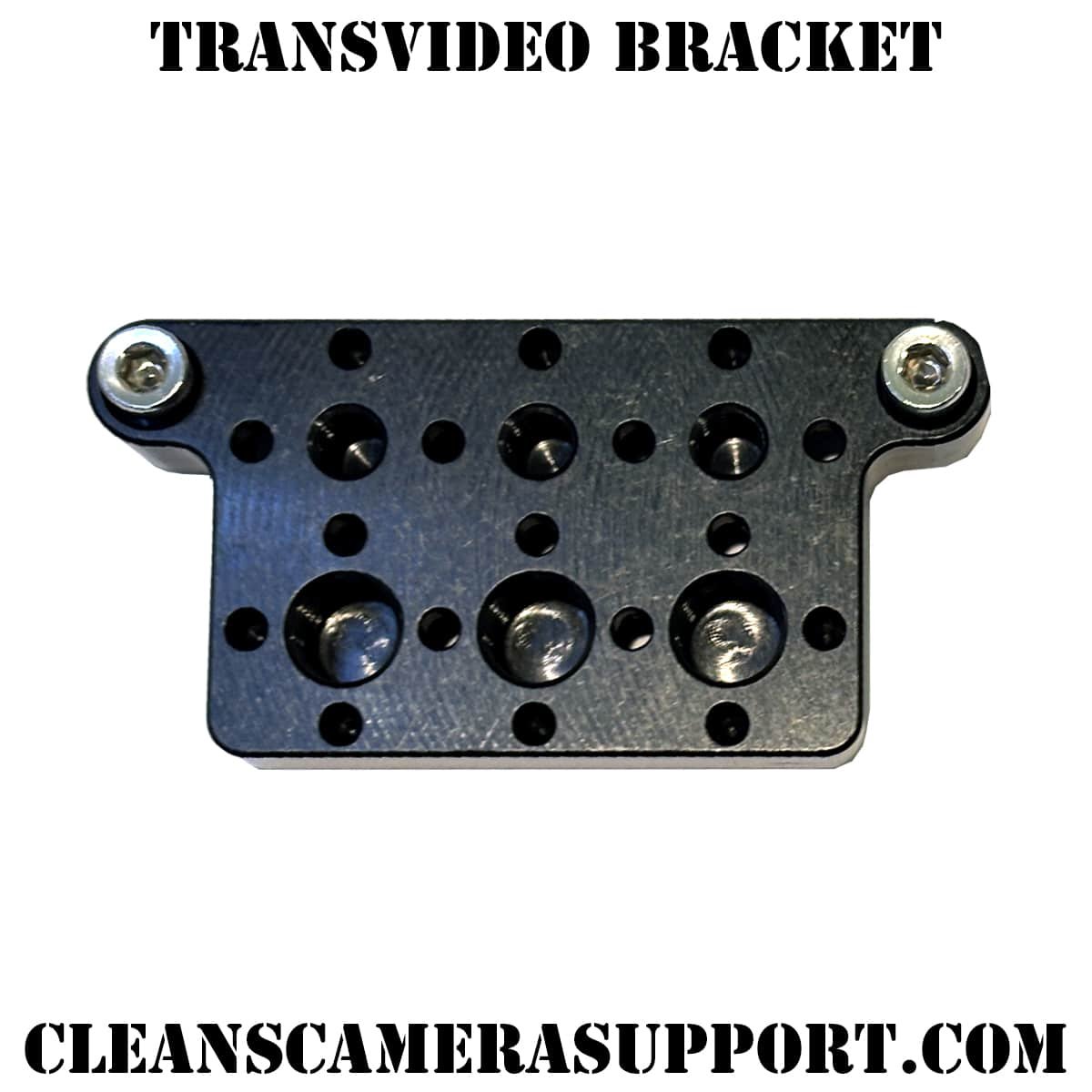
Table of Contents
Toggle